1C · automation and improvement
1C automation and customization
Eliminate repetitive entry, connect documents and workflows, and keep control of accounting. We start with an audit of your 1C setup, then build an extension around your team's real tasks without directly changing the standard configuration.

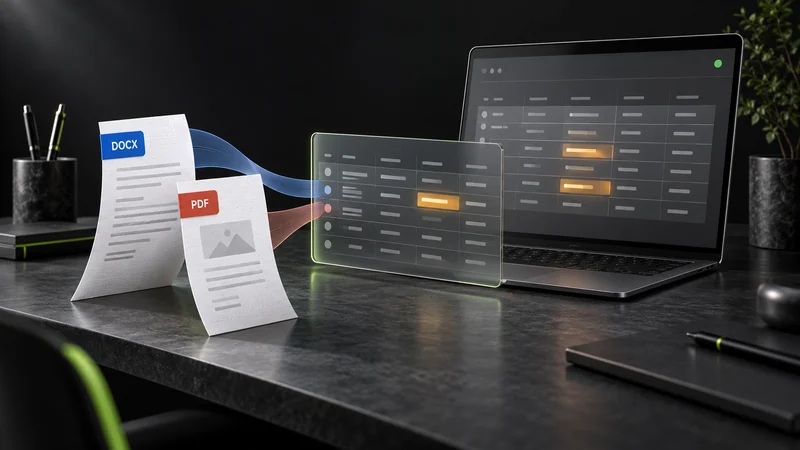
When 1C can work better
Routine tasks should not run your day
If your team re-enters file data, checks the same details repeatedly, or compiles reports across several screens, the workflow deserves a closer look. Often one focused addition is enough; replacing the whole system is not.
Files and documents
Import statements, invoices and registers with checks for fields, totals and duplicates before saving.
System integrations
Connect 1C with a CRM, website, warehouse or external service, with a clear error log.
Rules and control
Validate reference data and add approvals, notifications and reports for your team's roles.
How we work
From audit to a verified rollout
Inspect your 1C setup
Review the configuration, platform version, access roles, updates, integrations and actual document flow. Define the problem and acceptance criteria.
Design a safe change
Decide what belongs in an extension and what is better delivered as a separate external processing tool. Agree on scope, permissions, error handling and update compatibility.
Build and demonstrate
Deliver in stages. Demonstrations cover not just the ideal path but also ambiguous data, duplicates and blocking errors.
Test and hand over
Test on a database copy and agreed sample files, then run acceptance checks with your specialist. Hand over instructions, deliverables and a rollout plan.
1C · CFE / EPF
Extend the system without altering standard code
Our default approach is a 1C extension: new forms, validations and logic stay separate from the standard configuration. Some tasks are better suited to an external EPF tool, such as one-off or batch file import. We choose the format after an audit and verify compatibility with your configuration and cloud environment before promising a rollout date.
We can audit any 1C configuration; its technical constraints determine the feasible scope and delivery method.
Work, not promises
Two accounting automation examples
Importing and validating bank statements in 1C
XLS/XLSX from three banks, validation and duplicate checks, and preparation of unposted payment documents. Technical tests are complete; accountant acceptance is next.
Importing supplier invoices from Word and PDF into 1C
Batch document reading, preservation of partially extracted data and discrepancy highlighting. Final invoice creation in version 1.0.8 still needs a separate acceptance check.
Frequently asked questions
Can you work with any 1C setup?
We can audit any configuration. After checking the version, settings, permissions and constraints, we explain what can actually be delivered as an extension or external tool.
Do you need to modify the standard configuration?
Usually not: we start with an extension or EPF. If platform constraints require another approach, we explain that before development and agree it separately.
Can this be deployed to cloud-hosted 1C?
It depends on the permissions and rules of your cloud provider. We check those and test on a copy before planning the rollout.