Importing supplier invoices from Word and PDF into 1C
We developed an external processing tool to import supplier invoices into 1C:Accounting for Kazakhstan. Partially extracted data is retained, discrepancies are highlighted and uncertain fields can be corrected. Version 1.0.8 was tested on nine PDFs and a separate DOCX; final document saving still requires acceptance testing.
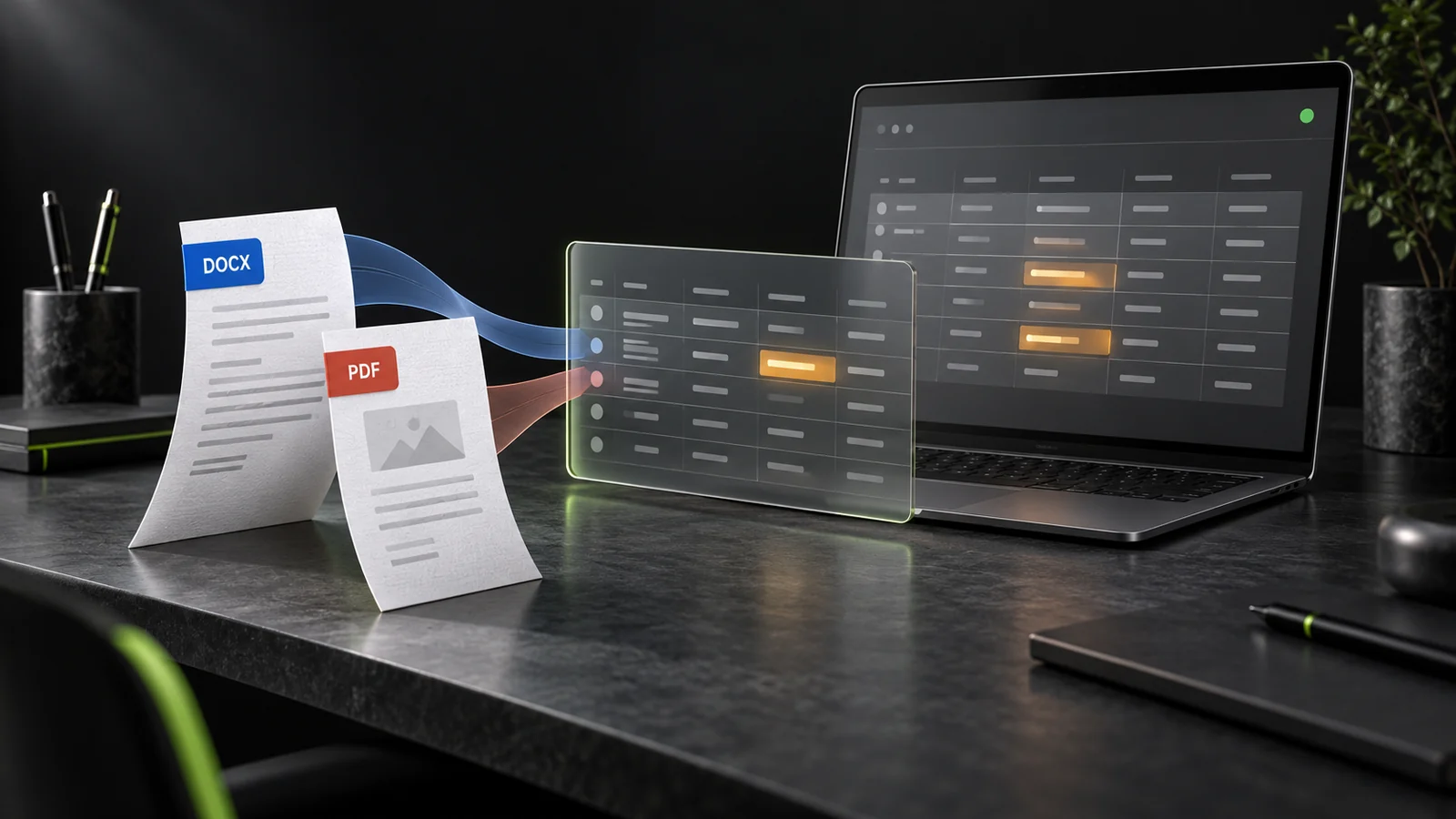
An invoice arrives as a PDF or Word file, and its details have to be entered again in 1C. The filename may differ from the invoice number inside, and the total may not match the sum of its lines. Sometimes copying simply transfers an error into the database faster.
For 1C:Accounting for Kazakhstan, edition 3.0, we developed an external processing tool for invoice import. It is a separate EPF tool that opens in 1C without directly changing the main configuration. File data extraction and the review form have been verified in version 1.0.8. Final document creation has not yet been tested in this version; the solution is in trial use, not confirmed production operation.
A review table instead of repeated data entry
The accountant selects the purchasing organisation and uploads one or more files. Extracted details and service lines appear in an editable table. Messages show where a contract needs to be selected, which service record is missing and which value could not be read. Unwanted rows can be excluded from the import.
The key decision was not to discard an entire result because one field could not be extracted. If the date, supplier and amounts are read but the contract number is not found, the extracted data stays on screen. The user fills in the gaps and runs the checks again. Every accepted PDF or DOCX remains visible even if reading fails; an empty row with an explanation is more transparent than silently skipping a file.
Errors revealed by real test files
In one test invoice, a line amount did not match the document total. The tool retained both values, highlighted the discrepancy and blocked document creation. It does not adjust the total to a convenient number: the accountant needs to check the original and obtain the correct data.
Another file had a name that differed from the invoice inside. The number was determined from the content, not the filename; in the test set, the document was matched to a PDF as a duplicate. It may look like a minor scenario, but it shows why importing is not simply a matter of selecting every file in a folder and trusting their names.
We also had to distinguish the extracted service name from its record in 1C. The text may be read correctly while the corresponding item has not yet been selected. In that case, the row remains marked Input required. For a multi-line invoice, the shared details and the total of all items are checked: one successfully read line does not make the whole document ready.
Why PDF needed additional development
The supplied PDFs contained text, but standard extraction did not work. We implemented our own PDF and DOCX reading inside the tool, without launching Word or Adobe. This is not a universal reader: the tests covered the specific templates supplied.
We fixed the reading of compressed data, fragmented text and numbers using different separators. Parsing was moved into memory, removing file operations that interfered with safe mode. User permissions and compatibility with a particular cloud service still need separate checks.
What was actually tested in version 1.0.8
- The tool opened in the test 1C environment. A batch of nine PDFs and a separate DOCX upload confirmed that document details, service lines and the No VAT setting were read from the test files.
- Highlighting problem fields, retaining partial data and making manual corrections were tested. A mismatch between a line amount and the total was shown as a blocking error.
- Documents were not saved during the final check of version 1.0.8. Successful creation of unposted invoices in the earlier version 1.0.1 does not replace testing the current release.
An unposted invoice is a saved document for further review, not an automatically completed payment. In the intended workflow, the accountant first corrects errors, then creates the document and checks it against the original. This saving step must be verified separately on a copy of the target database before going live.
What to know before connecting the tool
- The current document-creation logic supports only invoices without VAT. Invoices with VAT require separate development and testing.
- Word means DOCX here. Support for the older DOC format is not claimed; each input file is limited to 20 MB.
- There is no OCR—recognition of text in an image. A scan without a text layer will require manual entry rather than being reported as successfully read.
- New supplier templates, complex multi-page PDFs and other file structures need separate testing.
A batch of nine PDFs took several minutes to process in the local test database. We do not claim instant imports or measured time savings. Before a cloud pilot, it is sensible to start with one to three files and check saving one invoice, importing it again and an acceptable processing time.
Customisation for your company's documents
The project has produced a tool that gathers extracted data in one place and shows where the accountant's judgement is needed. If invoices regularly accumulate in different files, discuss your workflow with JEL Studio. We will examine samples without unnecessary personal data, check the format, VAT requirements and your 1C environment, then agree on the scope of customisation and acceptance criteria.